 NetEngine
Downloads that just work — now on your phone too.
NetEngine is a professional Windows download manager built for large files. Pair it with the NetEngine Receiver on Android and send files straight from your PC to your phone with a simple numeric code — over any network.
Windows 10 & 11 · Android 8+ · Free · No ads
Two apps, one system
A powerful manager on your desktop, a lightweight receiver in your pocket.
🖥️ NetEngine for Windows
ManagerDownload anything, reliably — and send files to your devices.
- Resumable downloads with automatic retry
- SHA-256 checksum verification on every file
- Configurable concurrent downloads & queue
- Live speed, progress, size and time-remaining
- Pause / resume / cancel / retry, with history
- Send files to any paired device by its code
- Automatic, verified updates (SHA-512 checked)
📱 NetEngine Receiver
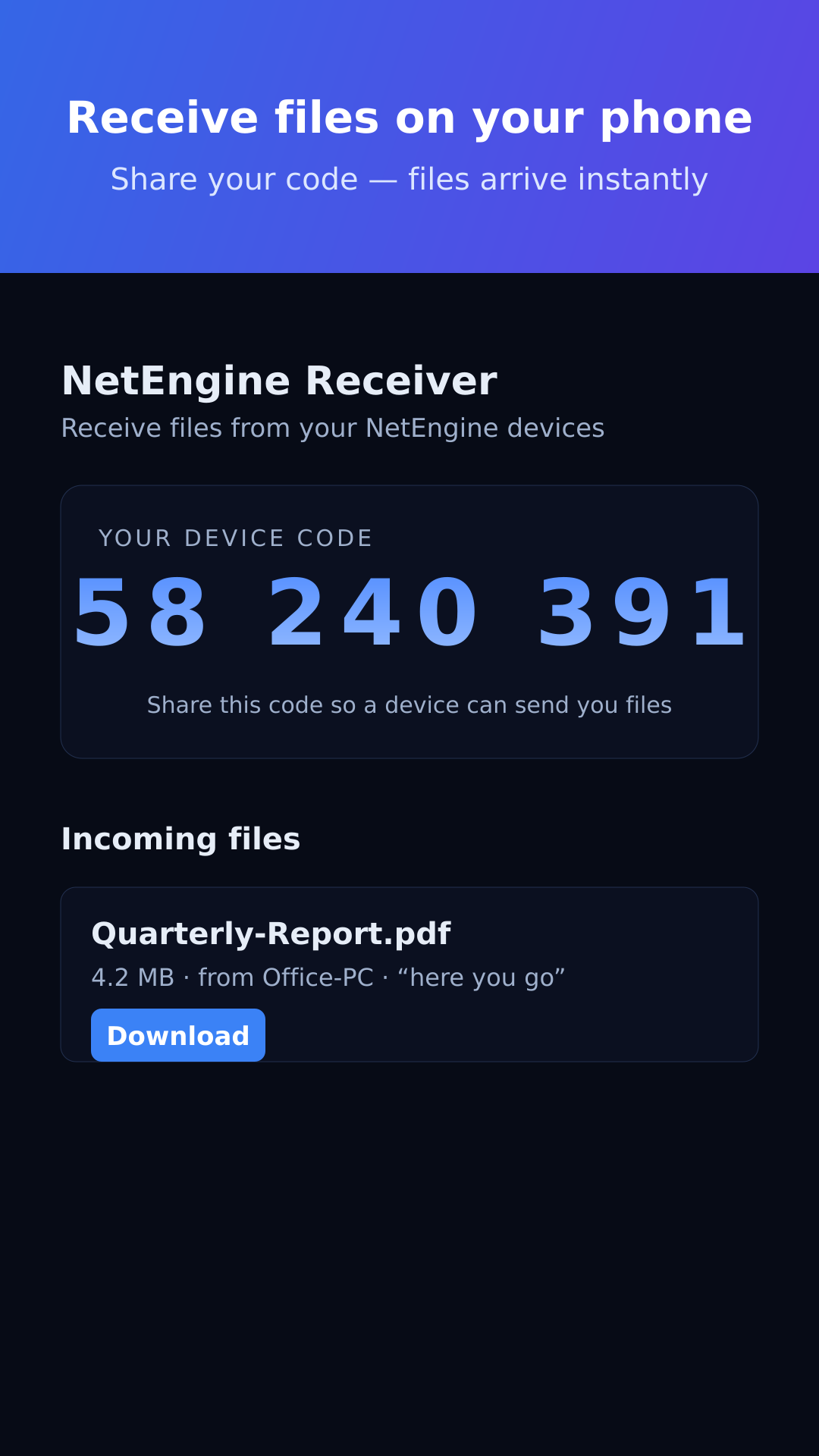
AndroidTurn your phone into a drop target with one code.
- Your device shows a simple numeric code
- Receive files from your PC over any network
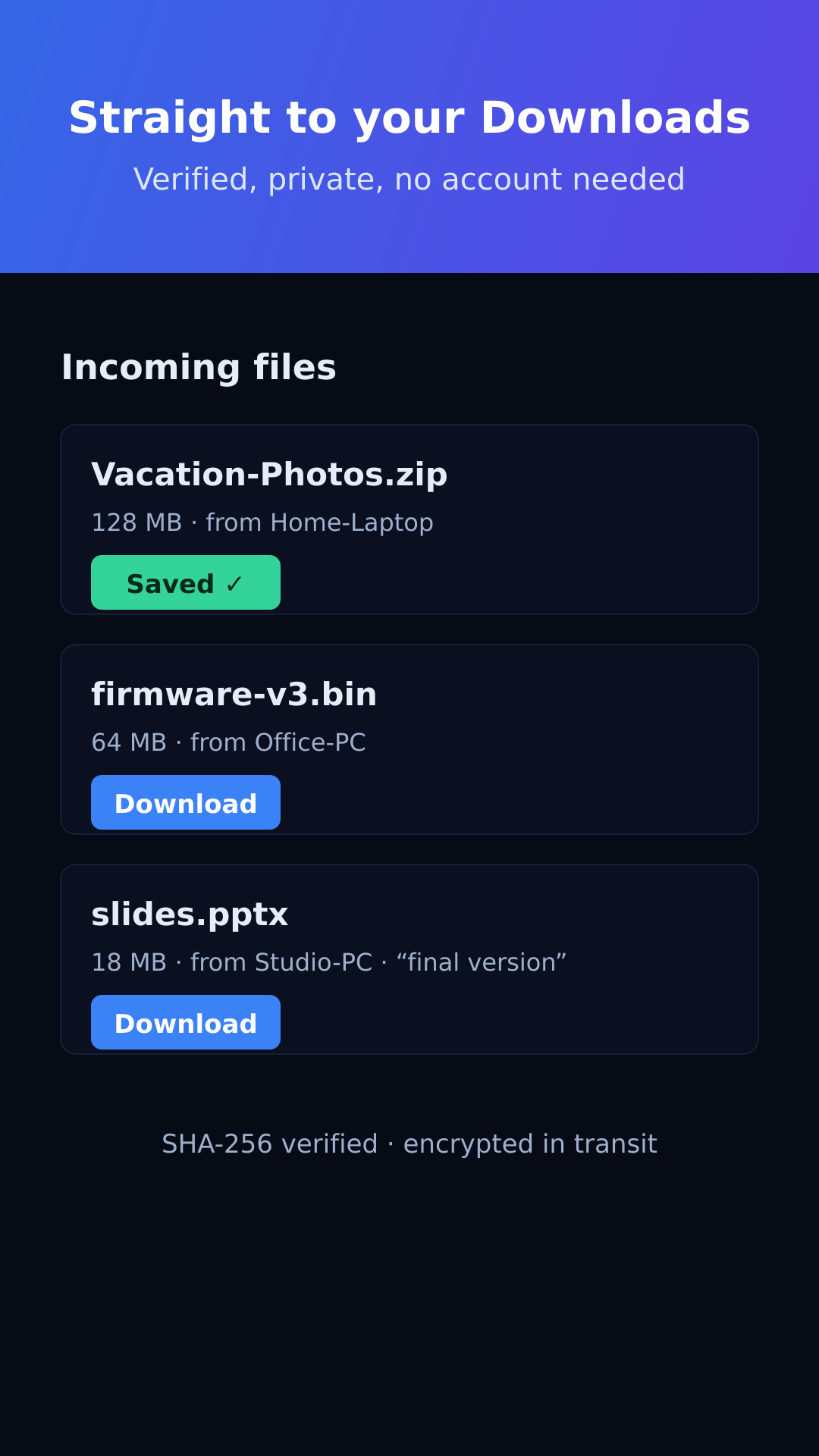
- Saved to your Downloads (Android 10+)
- One-tap Open when a download finishes
- Received an app? Install the APK directly
- Each file SHA-256 verified on your device
- Encrypted in transit (HTTPS)
- Notification when a download finishes
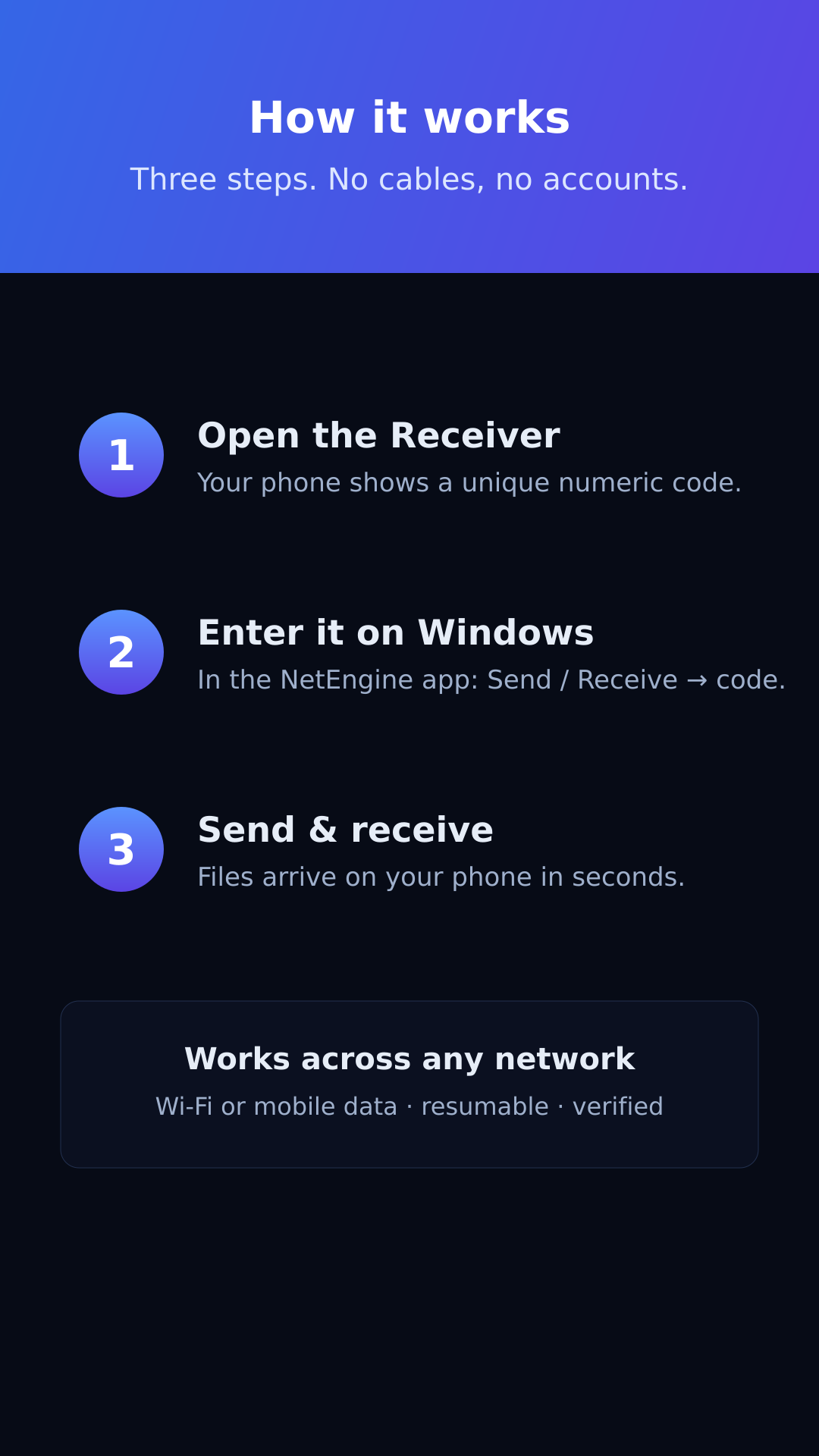
Send PC → phone in three steps
No cables, no accounts, no same-Wi-Fi requirement.
Open the Receiver
The Android app shows a unique numeric device code.
Enter it on Windows
In NetEngine, open Send / Receive and type the code.
Send & receive
Your files show up in the Receiver — tap to download, then open right away.
See it in action
The NetEngine Receiver on Android.
Built for reliability
The download engine that powers NetEngine.
Resumable downloads
Pause, resume and auto-retry. Interrupted transfers continue exactly where they stopped.
Checksum verification
Files are verified with SHA-256 before being marked complete — no silent corruption.
Concurrent transfers
Download several files at once with a configurable concurrency limit.
Live progress
Real-time speed, percentage, downloaded size and time remaining for every item.
Automatic updates
NetEngine keeps itself current with verified updates — optional or mandatory.
Device transfer
Send files to your phone or another PC by its numeric code, brokered securely across networks.
Secure by design
Authenticated, expiring links over HTTPS. No exposed storage, no arbitrary file access.
Download history
A complete, searchable record of completed, failed and cancelled downloads.
What's next
Where NetEngine is headed. Planned and in exploration — subject to change.
🖥️ Windows
- System-tray background mode planned
- Drag-and-drop send & whole-folder transfers planned
- Scheduled downloads & bandwidth limits planned
- Browser extension integration exploring
- Saved devices / contacts list planned
📱 Android
- Background receive service (no need to keep the app open) planned
- Send from Android via the share sheet planned
- QR-code pairing as an alternative to codes planned
- Received-files history & re-open planned
- Light / dark theme options exploring
⇆ Platform
- Optional end-to-end encryption for transfers exploring
- Direct LAN mode for same-network speed exploring
- Transfer resume across app restarts planned
- macOS & Linux desktop apps exploring
Get NetEngine
Free on Windows and Android. Updates handle themselves.
The Windows installer and Android APK are currently unsigned by a commercial certificate — Windows SmartScreen and Android “install unknown apps” will ask you to confirm on first run. The Android app is also headed to Google Play.
Frequently asked questions
Do my phone and PC need to be on the same Wi-Fi?
No. Transfers are brokered securely over the internet, so they work across different networks — Wi-Fi or mobile data.
Do I need an account?
No sign-up and no login. Your device gets a random code that identifies it for transfers.
Where do received files go on Android?
To your Downloads on Android 10 and newer (on older versions, the app's own folder). Tap Open when a download finishes; received apps (.apk) can be installed directly.
Is it secure?
All communication uses HTTPS, every received file is SHA-256 verified on your device, and transfers use authenticated, expiring links. Files sent through the relay are deleted once received and auto-expire within 7 days.
Is it really free?
Yes — both apps are free, with no ads and no in-app purchases.